
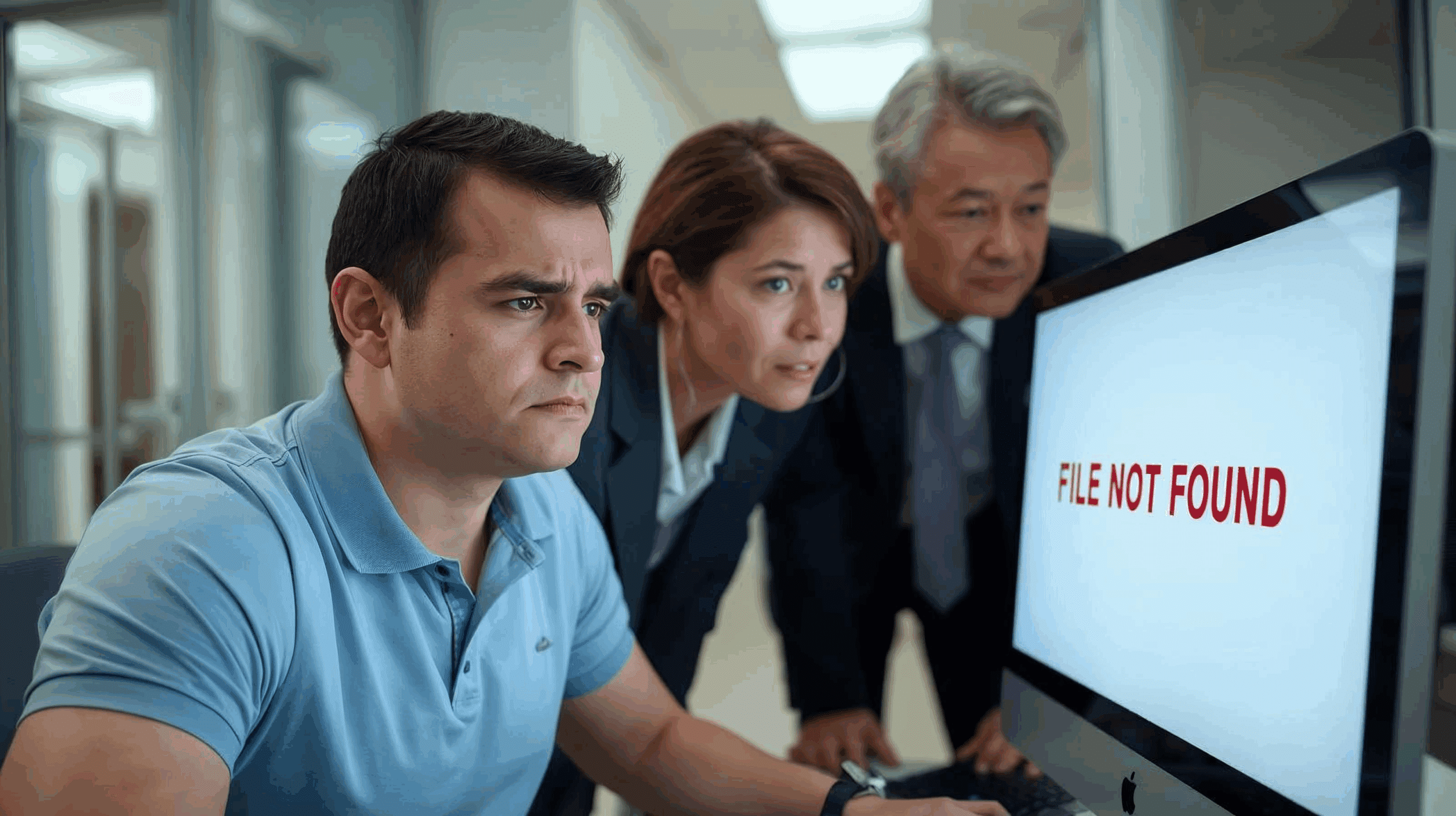
A Vanishing Act with Real Consequences
In June 2025, UK media widely reported that a file containing crucial maternity case data at Nottingham University Hospitals NHS Trust had been “most likely deleted intentionally or maliciously.” While this particular case did not involve Condusiv, it highlights a universal challenge for organizations everywhere: when critical files disappear, whether by accident or malice, the consequences can be severe.
How Files Really “Disappear”
File loss isn’t always as simple as pressing Delete. There are multiple scenarios where important data can vanish:
- Human error – A well-intentioned employee mistakenly deletes or overwrites a file.
- Malicious insider activity – A disgruntled staff member deletes data on their way out the door.
- Malware or ransomware – Attackers often wipe or corrupt files to increase damage and hinder recovery.
- System or storage quirks – Modern SSDs, with TRIM and garbage collection, can permanently wipe data far faster than spinning disks.
Whatever the cause, the result is the same: essential information is suddenly unavailable.
The Challenge of Recovery
The Nottingham University Hospitals NHS case revealed just how complex recovery can be. Investigators had to determine whether the file was truly lost or just hidden, whether it could be restored without corruption, and whether it would stand up in a legal or regulatory review. Organizations everywhere face similar challenges:
- Time is critical – Every minute after deletion increases the chance of overwriting the ‘deleted’ file’s data.
- Incomplete logging – Without audit trails, it’s hard to know who deleted a file and when.
- Forensic constraints – In sensitive environments, recovery must preserve evidentiary value.
Prevention & Best Practices: Making Recovery a Given
The best way to help avoid another Nottingham-style data scandal is to assume deletions will happen and be ready to recover instantly.
- Undelete Instant File Recovery (First Line of Defense)
Undelete® provides continuous, real-time protection by capturing deleted files the moment they are removed, allowing IT staff or even end-users with the correct permissions to restore them instantly. This makes accidental or malicious deletion a recoverable event rather than a catastrophe. Undelete also provides the ability to identify specifically who deleted a file(s). - Enable robust monitoring and logging
Track deletion events with user attribution. Knowing who deleted a file is often as important as restoring it. - Use immutable snapshots1 or WORM storage2 for critical data
Immutable copies prevent tampering and give an additional safety net for compliance-sensitive files. - Limit access with least-privilege principles
Reduce the risk of intentional deletion by restricting who can touch high-value data. - Test your recoverability regularly
Just like disaster recovery drills, organizations should simulate file deletion and practice fast, validated recovery.
Lessons for Every Organization
The incident at Nottingham is just one example of how vulnerable vital information can be. From healthcare to finance to education, no sector is immune to the risks of accidental or malicious file deletion.
Organizations that put recovery plans in place, starting with Undelete for instant file recovery, can turn potential crises into recoverable events. With the right tools and processes, “deleted” doesn’t have to mean “gone forever.”
Try Undelete FREE for 30 days here >>
This article references public reporting on the Nottingham University Hospitals NHS Trust data loss incident. Condusiv Technologies was not involved in this case, and Nottingham University Hospitals is not a Condusiv customer. The example is presented here solely to illustrate the risks and challenges of data deletion faced by organizations worldwide.
1 immutable snapshots (read-only point-in-time backups that can’t be altered)
2 WORM storage (Write Once, Read Many — permanent, unchangeable storage for compliance)




Leave A Comment
You must be logged in to post a comment.